

Title: Are Phone Coolers Actually Worth It?
URL Source: https://www.engadget.com/2275099/phone-coolers-worth-buying-explained/
Published Time: 2026-10-05T13:15:00+00:00
Markdown Content:
Phone coolers aren't snake oil. They're just solving a problem most people don't have.
Vectis Creation/Shutterstock
The short answer is no, at least for most people. That may sound strange in a discussion about phone coolers, but this isn't a clickbait question with an obvious answer hiding at the bottom. Active cooling can help prevent heat from degrading a phone's sustained performance. But most folks simply don't push their phones hard enough, for long enough, for this to become an issue.
Put enough strain on your phone, and heat can become an issue. Like [using your MacBook outside](https://www.engadget.com/2242777/using-macbook-outside-consider-these-things/), when temperatures get too high, performance may drop while charging can slow. A phone cooler can help with this, though most of us don't need one.
Active phone coolers work, but that's only half the question
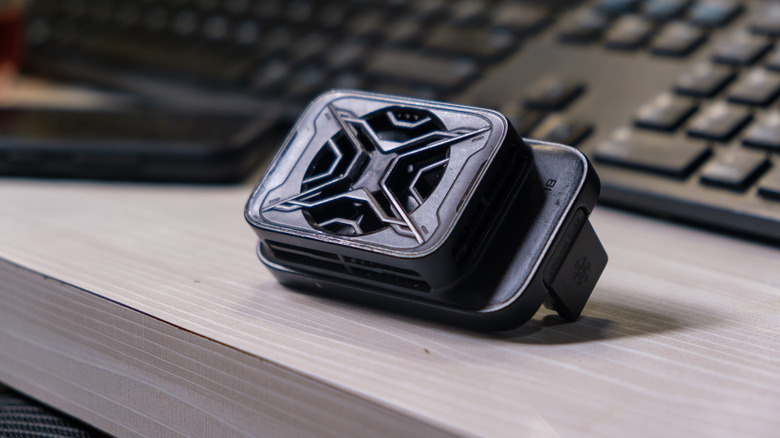
The term "phone cooler" covers a broad spectrum of gadgets. Basic models circulate air over the back of the phone, while thermoelectric (Peltier) coolers draw heat away with a cold plate. Passive cooling cases spread heat over a greater area. Then there are so-called "cooling apps," which may lower workloads or alter performance settings but can't magically remove heat from the hardware.
The real question is whether heat is hurting performance. The CPU and GPU produce plenty of heat when they're busy, and when a phone gets too hot, it begins throttling performance to protect itself. You may notice this in a game that performs well at first, but slows down as the phone heats up.
External cooling can make a measurable difference here. [Notebookcheck found](https://www.notebookcheck.net/Asus-ROG-Phone-8-Pro-review-From-gaming-smartphone-to-premium-smartphone.801753.0.html) 3DMark stability scores of 77 percent and 79.2 percent on [the ASUS ROG Phone 8 Pro](https://www.engadget.com/the-new-rog-phone-8-from-asus-finally-puts-a-good-camera-in-a-gaming-phone-002618805.html) without the AeroActive Cooler X, compared with 92.7 percent and 90.8 percent with the cooler attached. (In this test, higher percentages are better, representing consistent frame rates even as the device heats up.)
So does a phone cooler reduce lag? Yes, if heat is causing it. It won't fix poor Wi-Fi, server lag caused by physical distance or a game your phone simply can't run well.
Most people can solve the problem without buying another gadget
Galina Vetertsovskaya/Getty Images
The obvious case where someone would need a phone cooler is long gaming sessions, particularly if performance suffers once the phone has been under heavy load for a while. The same issue can occur with livestreaming, video processing, outdoor summer photography sessions and other sustained workloads.
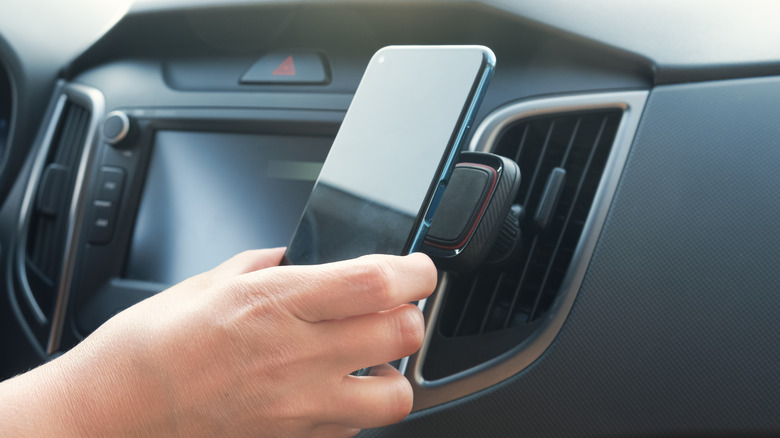
Another surprising example is [excessive phone heating in cars](https://www.engadget.com/2226185/how-to-stop-phone-overheating-in-car/). Navigation, high screen brightness, charging and direct sunlight can pile on the kind of heat an active cooler is meant to combat. Before purchasing one, however, try positioning the phone near an AC vent (assuming the ambient temperature is high enough to do so comfortably).
Mounting the phone where cool air can circulate around it might resolve the issue without another powered accessory on the dashboard. Removing a thick case, taking the phone out of direct sunlight or avoiding demanding tasks during charging can also help.
Gaming while charging deserves some consideration because charging generates extra heat. Definitely avoid wireless charging, as that runs hotter than standard charging with a cable.Some Galaxy phones offer an option to pause USB PD charging when gaming, a feature (on compatible hardware) that can power the device during gameplay without continually charging the battery. This tackles part of the problem before an external cooler enters the picture.
If your phone repeatedly throttles during extended workloads and simple solutions aren't working, a dedicated phone cooler starts to make sense. Otherwise, you're adding weight, fan noise, likely another cable and maybe something that interferes with your grip, all just to make the back of your phone colder.


Leave a Reply